How to Write a Single Page Application
Learn How To Build a Professional App for the Web Using React, Redux, & React Router 4
The #1 Skill for Front-End Developers & Front-End Engineers
The #1 skill for Front-End Developers and Front-End Engineers is knowing how to build scalable Single Page Applications. That's because you're developing everything the user sees, touches, and feels. Couple that with knowledge of what modern browsers like Chrome for Android can do and you'll be able to create some amazing stuff.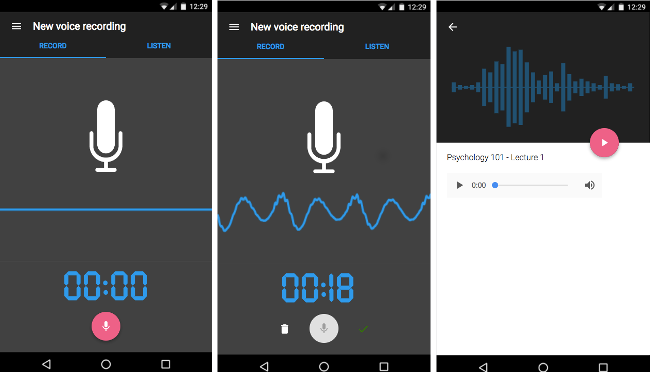
Learn How React, Redux, and React Router 4 Work Together
There are lots of tutorials on how to use React and Redux. But this course shows you how React, Redux, and React Router (version 4, the latest) work together to build a professional Single Page Application.
I'll set you up with everything you need, including professional boilerplate so that you can create a well-architected application for yourself, a client, or an employer.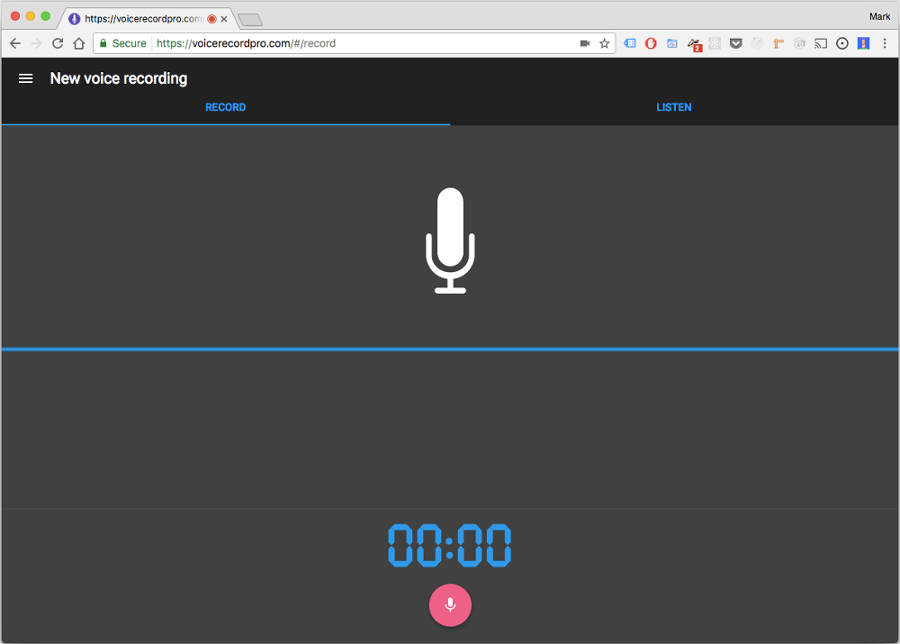
Step-By-Step Instructions On How to Develop a Real Professional App for the Web
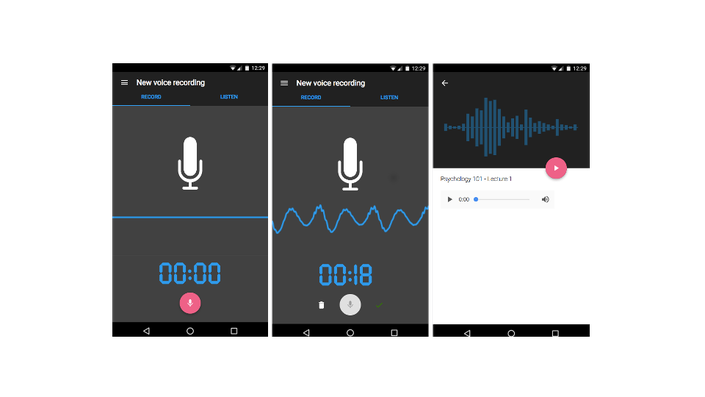
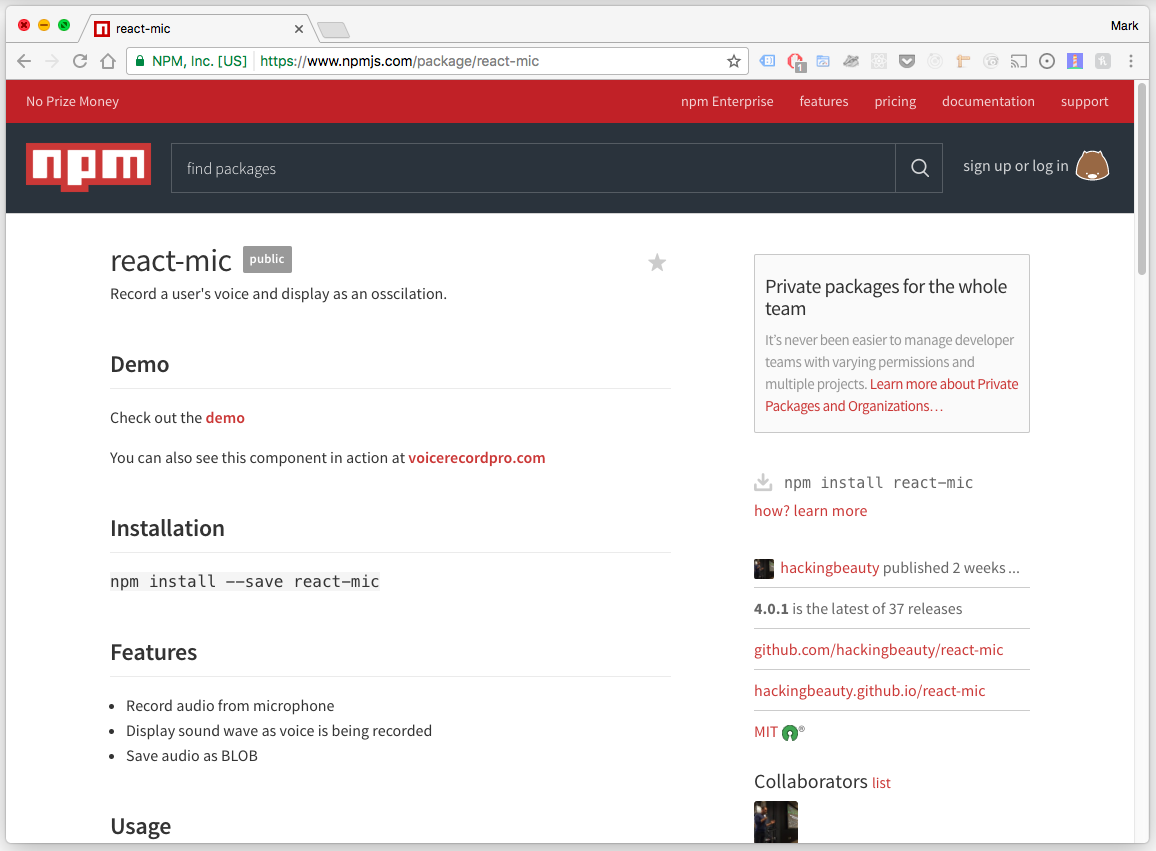
In order to learn how a professional app for the Web is developed, you need to create a REAL app. In this course, you will create an app I call Voice Record Pro, a Web-based audio recorder that makes use of the HTML5 MediaRecorder API. You will receive step-by-step instructions on how to develop the main functionality for this app.
You'll also learn how to get your app out onto the Web in a matter of seconds by using Firebase, one of the best Backend As a Service platforms on the Web today.
Learn How to Develop In Components, the Modern Way of Creating Interfaces
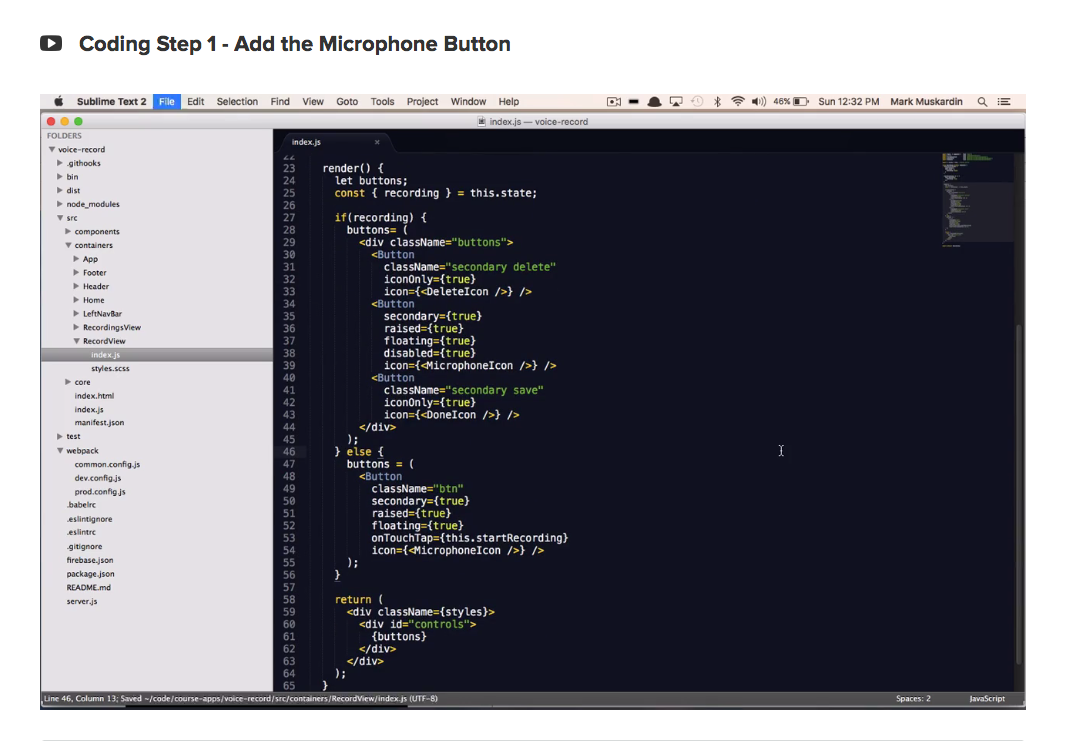
Front-End development and modern UI engineering have come a long way. Today, we craft user interfaces by thinking and developing in highly reusable components. This is THE way we develop front-end interfaces today.
Get up to speed with this approach because this is the new way of crafting UI (and you're going to love it).
Skin Your App With Material-UI & Learn How To Use Pre-Made Components
If you're like me, designing your app can be a challenge. That's because good design is hard. But you don't have to be a professional designer to give a professional look and feel to your app. You can use pre-made libraries like Material-UI to skin your app.
In this course you'll get to see how I customize Material-UI components so that you can get the look and feel that you like.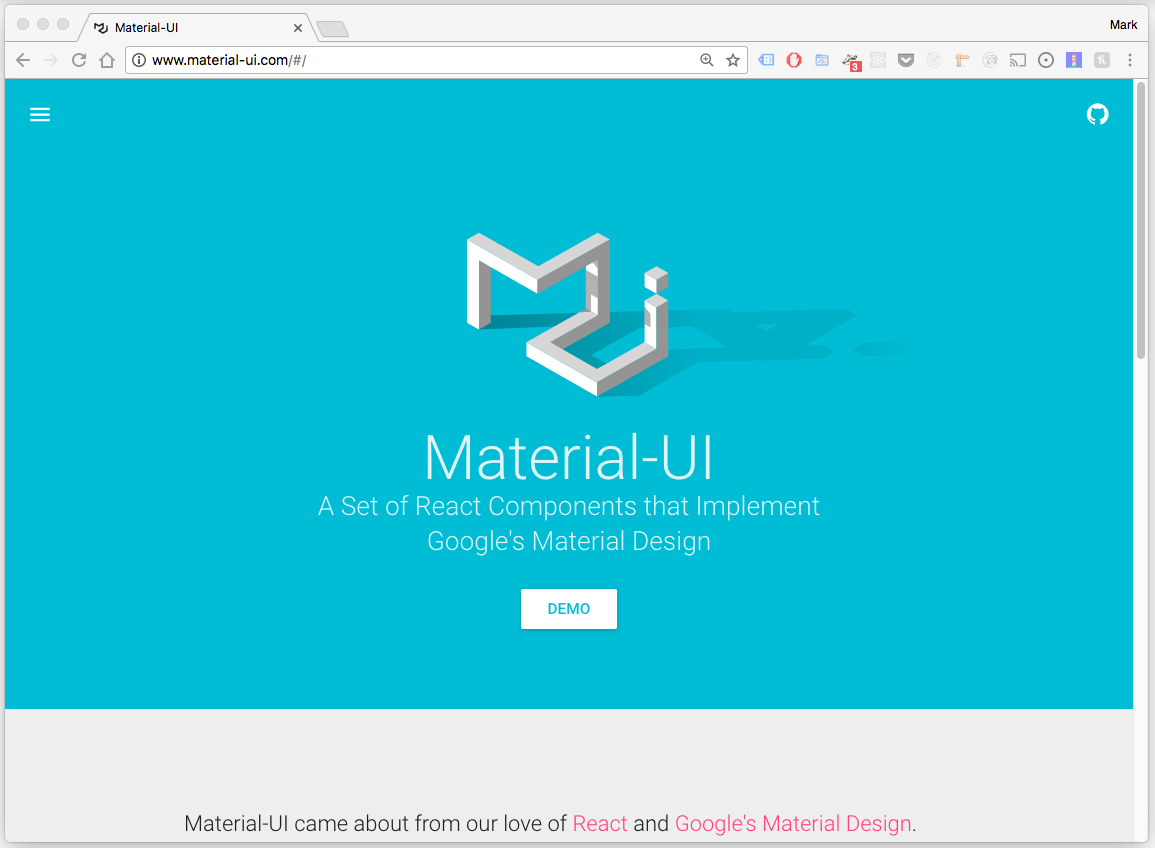
Just Say No to Boring To-Do Tutorials
I created this course because I love the Web and because I wanted to show people how to develop real apps for the Web. Simple To-Do tutorials aren't sufficient for developers who want to know how a professional app is architected.
I also understand how painful it is for teams to write separate apps and maintain separate codebases for multiple platforms (IOS, Android, Web). Sometimes you have to do that, but oftentimes you don't! The best thing we can do is to help move the Web forward so that it remains a strong and viable option for mobile applications.
When I started developing Single Page Apps for clients, I didn't have the right foundation and boilerplate to start with and I spent A LOT of time researching while setting things up. I wish I had a proper guide on how to architect things correctly for my clients. Now, I know how to do this and I'm sharing my knowledge with other developers so that they can have an easier time developing their apps.
Companies Are Looking for Developers Skilled In React & Redux
I work in the tech industry and many companies are transitioning their front-ends to use React & Redux.
Becoming proficient in React & Redux will put you on the cutting edge and help you get the best jobs out there. Trust me, you don't want to work on crufty front-ends built with Jquery and spaghetti-code. That's just a recipe for pain (I know, I've been there).
Have more fun developing by learning React and Redux, and see a whole new world open up for you.
Course Curriculum
Intro
- Course Welcome and Overview
- What You're Going to Build In This Course
- Prerequisites
- Course Resources
- Course Outline
- About the Instructor
From Zero to Deploy
- Get the Boilerplate and Serve Locally
- Create an App on Firebase
- Firebase Initialization
- Firebase Deploy
- Initialize Git
React Crash Course
- Why Use React
- Definition of a Component
- Class Components vs. Presentational Components
- Containers vs. Non-Container Components
- JSX
- Props, Prop Types, Default Props
- Lifecyle Hooks
- ES6 Modules - Importing & Exporting
- Styling Components
- Managing Internal State
- Wrapping Third Party Components
Redux Crash Course
- Why Use Redux
- Redux High Level Review
- Redux Main Packages
- Two Redux Functions You Must Know
- Redux Directory Structure
- Redux In Action - Opening & Closing the Left Nav
- Actions
- Reducers
- The Store & Middleware
Navigation with React Router 4
- What You Will Develop In This Lecture
- Update Your Code For This Lecture
- The Web Link Is Powerful
- React Router 4
- HashRouter vs. BrowserRouter
- Coding Step 1 - Add the Main Tabs
- Coding Step 2 - Add the Main Routes
- Coding Step 3 - Keep the URL In Sync
- Coding Step 4 - Highlight the Right Tab When Component First Mounts
- Deploy to the Web
Record Audio with the MediaRecorder API
- What You Will Develop In This Lecture
- Update Your Code For This Lecture
- The MediaRecorder HTML5 API
- Coding Step 1 - Add the Microphone Button
- Coding Step 2 - Add the Timer
- Coding Step 3 - Record the Audio
- Coding Step 4 - Save a Recording
- Deploy to the Web
Develop the Audio Playback View
- What You Will Develop In This Lecture
- Update Your Code For This Lecture
- Coding Step 1 - Route to the Recordings View After Saving
- Coding Step 2 - Create the List of Recordings
- Coding Step 3 - Display the List of Recordings
- Coding Step 4 - Provide a Unique Title for Each Recording
- Coding Step 5 - Store Recordings to IndexedDB
- Coding Step 6 - Retrieve Stored Recordings From IndexedDB
- Coding Step 7 - Add the DetailsView Part I
- Coding Step 8 - Add the DetailsView Part II
- Coding Step 9 - Add the DetailsView Part III
- Deploy to the Web
Your Instructor
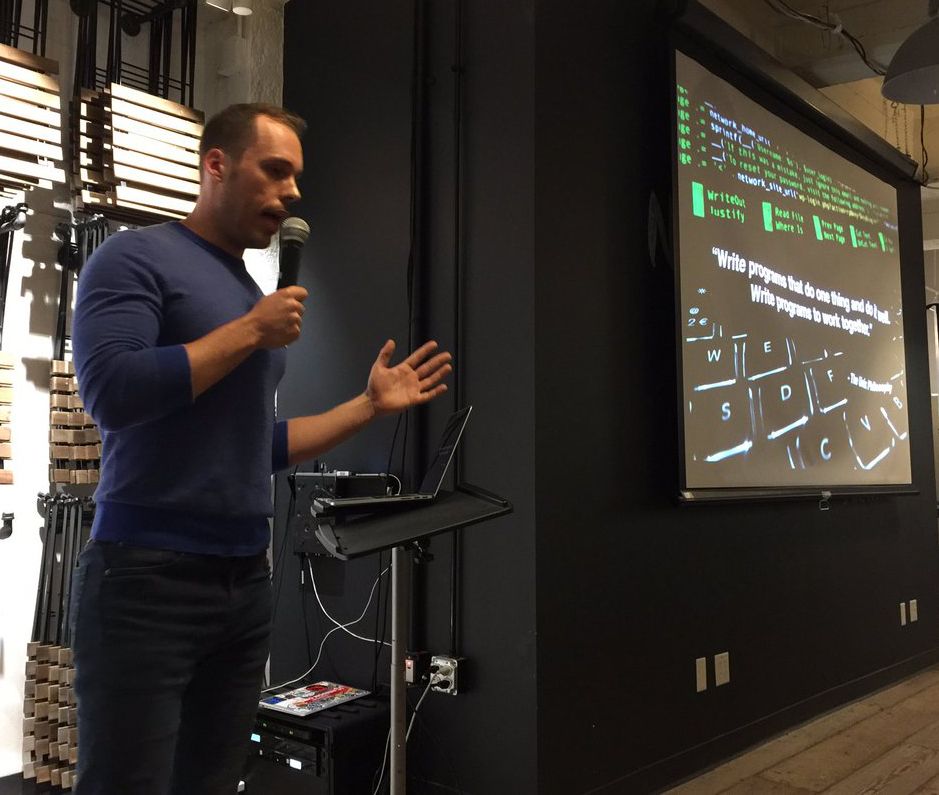
Mark is a UI and Web Engineer located in the San Francisco Bay Area. He believes in the promise of the open Web, the most ubiquitous software runtime on the planet. So he works a lot with Web technologies, and teaches others how to do the same.
Over the last decade, he has developed applications for many high profile Internet companies (Fitbit, Trulia, and Ebay to name a few). Working in conjunction with expert teams of Software Engineers, Designers, and Product Managers, he has had the opportunity to create responsive, fast and compelling UX-driven Web applications for many different products.
Currently, Mark is specializing in Web and Mobile front-end applications built with React.js and its associated ecosystem of related technologies. It's an ecosystem he believes holds a lot of promise for Web Engineers.